Good News in Metro Card Recharge
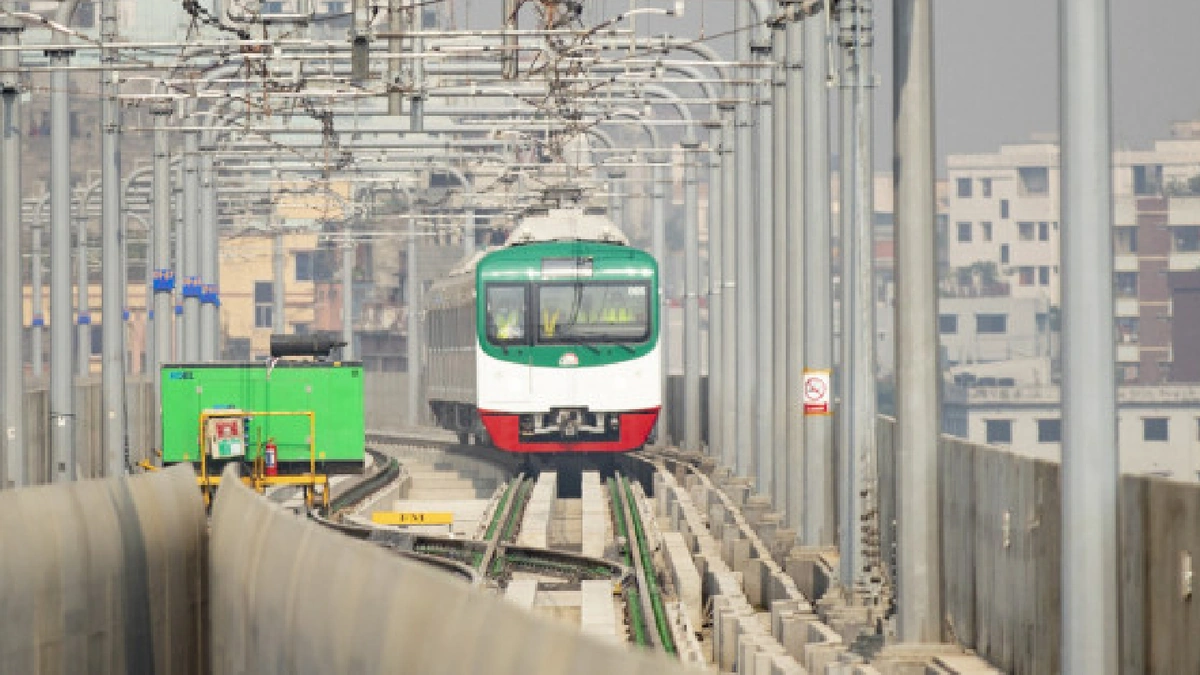
Now, the permanent card can be recharged online without going to the station. From November 25, the facility of card recharge has been introduced through all types of online banking including credit card, bKash, Nagad, Rocket.
Metrorail has made the commute of Dhaka residents much easier. Those who regularly use the metro have a permanent card in their pocket—the Rapid Pass or MRT Pass card.
Earlier, to recharge this card, one had to go to the designated counter at the metro station. Due to the rush of passengers, one often had to stand in long lines there.
Now, the permanent card can be recharged online without going to the station. From November 25, the facility of card recharge has been introduced through all types of online banking including credit card, bKash, Nagad, Rocket.
Steps to recharge with bKash
1. Enter the bKash app and select ‘Metrorail’ from the suggestion section.
2. After this, the https://www.rapidpass.com.bd/ page will open on the mobile.
Click on the ‘Register’ option to open a new account. After filling in all the information and submitting it with the OTP, the registration will be completed.
3. Once registered, the next time you can sign in only with your mobile number or email and password.
4. Select Rapid Pass or MRT Pass card in the ‘Recharge’ option and specify the amount.
5. Select the ‘Pay with bKash’ button and confirm with your bKash number. The initial recharge process will be completed with the verification code and secret PIN. Recharge confirmation will be sent to the mobile via SMS.
Recharge limits and benefits
The minimum amount for online recharge is 100 Taka, maximum 5,000 Taka. You can get cashback up to 100 Taka if you use bKash.
Nagad, Rocket and Credit Card
The Metrorail authority said that in addition to bKash, Rapid Pass and MRT Pass can be recharged online through Nagad, Rocket and credit cards. For this, you have to log in to https://www.rapidpass.com.bd/ and follow the instructions.
Other conditions for online recharge
The recharge will show as ‘pending’ before the card is touched on the AVM machine. There can be only one pending online recharge at a time. New online recharges cannot be made until the previous recharge is completed. Blacklisted, refunded or invalid cards cannot be recharged. If the user wishes, he can request to cancel the recharge within seven days before touching the AVM; in case of cancellation, 5% service charge will be deducted.
In case of pending transactions due to blacklisting, a refund request can be made, but a 5% service charge will be deducted. Refund operations are currently closed.
Earlier, to recharge this card, one had to go to the designated counter at the metro station. Due to the rush of passengers, one often had to stand in long lines there.
Now, the permanent card can be recharged online without going to the station. From November 25, the facility of card recharge has been introduced through all types of online banking including credit card, bKash, Nagad, Rocket.
Steps to recharge with bKash
1. Enter the bKash app and select ‘Metrorail’ from the suggestion section.
2. After this, the https://www.rapidpass.com.bd/ page will open on the mobile.
Click on the ‘Register’ option to open a new account. After filling in all the information and submitting it with the OTP, the registration will be completed.
3. Once registered, the next time you can sign in only with your mobile number or email and password.
4. Select Rapid Pass or MRT Pass card in the ‘Recharge’ option and specify the amount.
5. Select the ‘Pay with bKash’ button and confirm with your bKash number. The initial recharge process will be completed with the verification code and secret PIN. Recharge confirmation will be sent to the mobile via SMS.
Recharge limits and benefits
The minimum amount for online recharge is 100 Taka, maximum 5,000 Taka. You can get cashback up to 100 Taka if you use bKash.
Nagad, Rocket and Credit Card
The Metrorail authority said that in addition to bKash, Rapid Pass and MRT Pass can be recharged online through Nagad, Rocket and credit cards. For this, you have to log in to https://www.rapidpass.com.bd/ and follow the instructions.
Other conditions for online recharge
The recharge will show as ‘pending’ before the card is touched on the AVM machine. There can be only one pending online recharge at a time. New online recharges cannot be made until the previous recharge is completed. Blacklisted, refunded or invalid cards cannot be recharged. If the user wishes, he can request to cancel the recharge within seven days before touching the AVM; in case of cancellation, 5% service charge will be deducted.
In case of pending transactions due to blacklisting, a refund request can be made, but a 5% service charge will be deducted. Refund operations are currently closed.
Related News
You may like



Tom Holland Says Marvel Has a Plan for the Next Spider-Man
August 1, 2026
Elected News
-
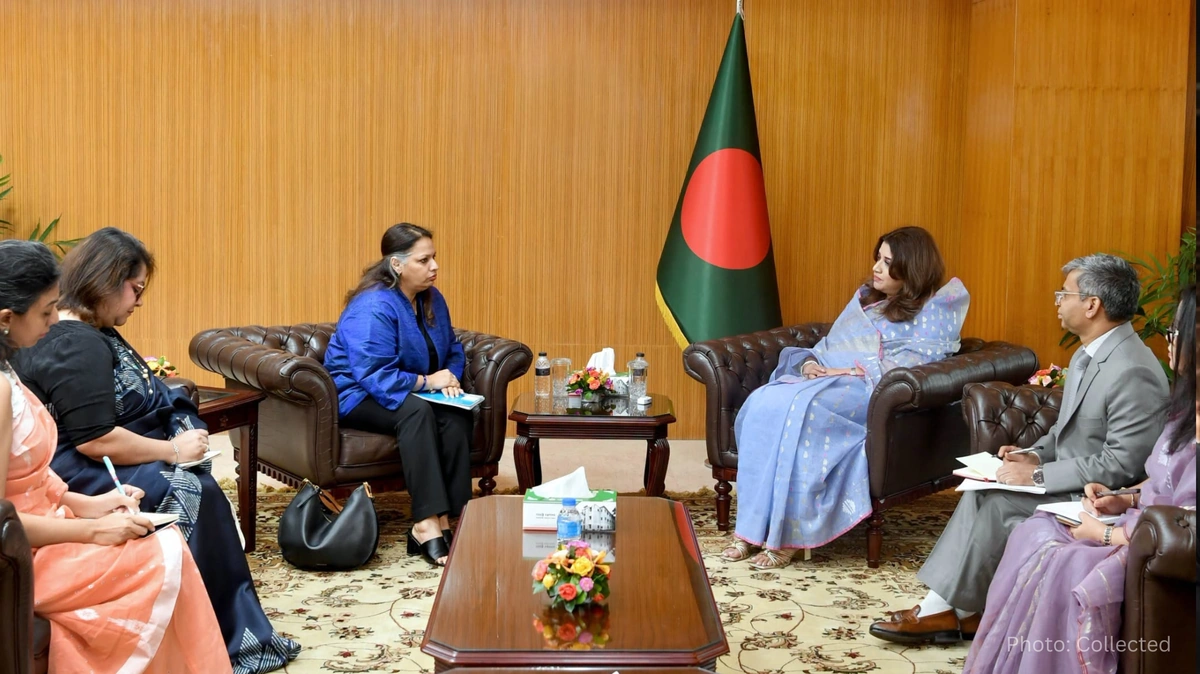
Bangladesh Seeks UN Women Support on Digital Harassment and Women’s Empowerment
-
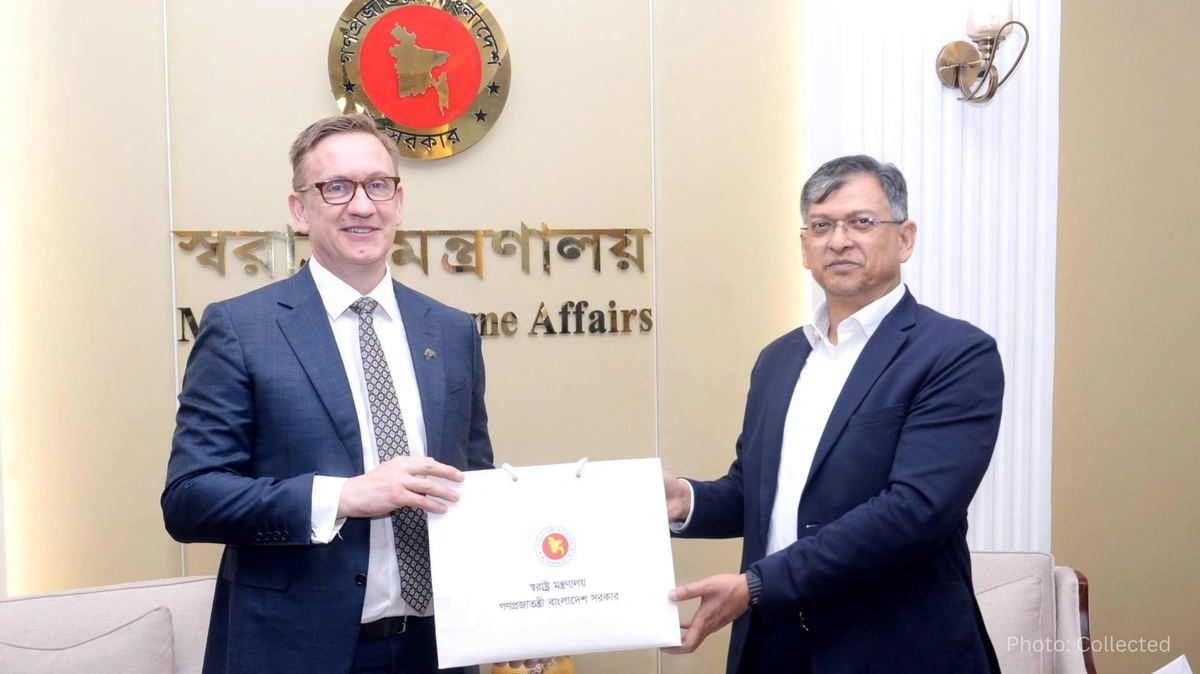
Bangladesh, Australia Discuss Human Trafficking, Irregular Migration and Rohingya Crisis
-
Bangladesh Plans Internet-Free Access to Mobile Banking and Financial Apps
-
DU to Open Undergraduate Admission Applications on 11 November, Tests Begin 5 December


