How to Boost Your Home Wi-Fi Speed
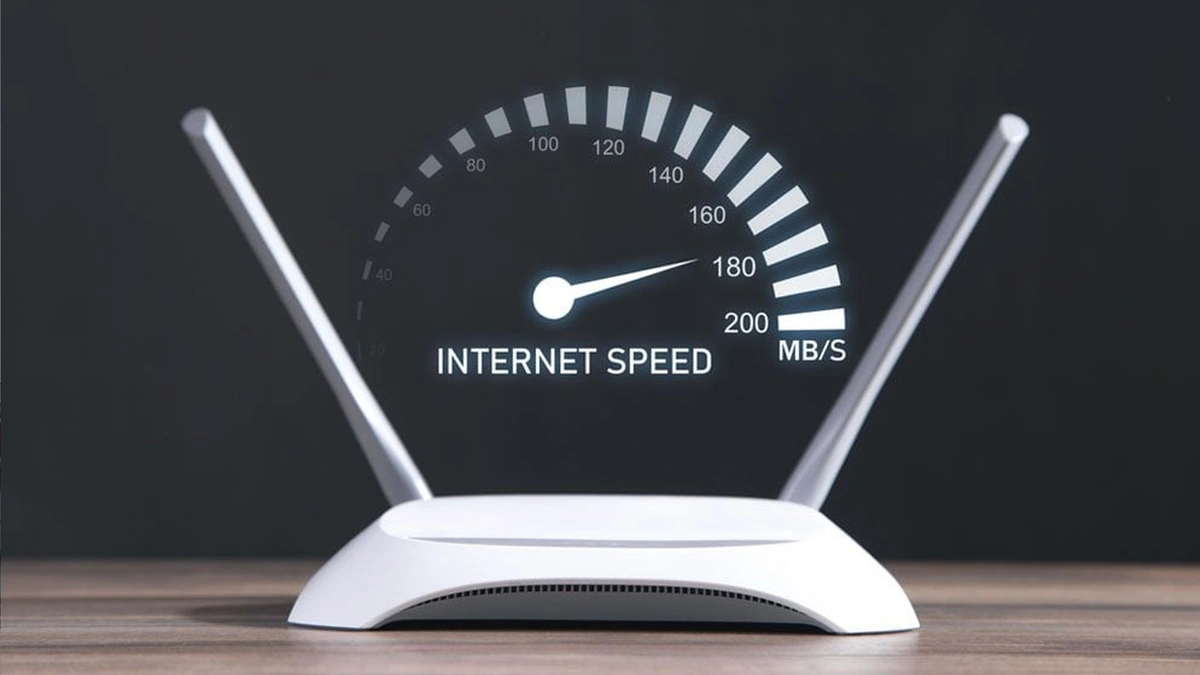
Nowadays, almost every aspect of life depends on the internet. Whether it's work, education, entertainment, or even grocery shopping from home fast internet is essential. While mobile data is available, at home or in the office, we mostly rely on Wi-Fi routers. However, sometimes even with a good internet speed, browsing or video streaming doesn’t work smoothly, and social media becomes sluggish. As a result, it can get quite frustrating.
In reality, there are several reasons why your Wi-Fi may be running slowly. According to a report by the Indian news outlet Times of India, factors such as the distance from the router, outdated hardware, and having too many connected devices can all contribute to reduced internet performance.
Sometimes, older routers or devices may not be compatible with newer internet speeds and fail to keep up, resulting in slow connections.
5 Ways to Improve Your Wi-Fi Speed
-
Reposition Your Router
Place your router somewhere in the center of your home. Make sure there isn’t too much distance between the router and your devices. -
Change the Router’s Channel
Manually switch your router’s channel to avoid interference from neighboring networks, especially in apartment buildings. -
Switch to 5GHz Band
If your router supports dual-band frequency, switch to the 5GHz band. It usually faces less interference and can provide faster speeds. -
Update Your Router’s Firmware
Keep the firmware up to date. Regular updates improve both security and performance. -
Upgrade Old Routers
If your router is outdated, consider upgrading it. Older hardware may not support modern internet speeds, causing slow connections.
Related News
You may like




Tom Holland Says Marvel Has a Plan for the Next Spider-Man
August 1, 2026
Elected News
-

Bangladesh Seeks UN Women Support on Digital Harassment and Women’s Empowerment
-

Bangladesh, Australia Discuss Human Trafficking, Irregular Migration and Rohingya Crisis
-
Bangladesh Plans Internet-Free Access to Mobile Banking and Financial Apps
-

DU to Open Undergraduate Admission Applications on 11 November, Tests Begin 5 December


