Who is running your WhatsApp!

Nearly billions of people around the world exchange messages on WhatsApp every day. There are very few who don’t use it. But how aware are you about your WhatsApp account?
Check if your WhatsApp account is linked to someone else or being used by another person you can find out yourself:
Check Linked Devices
Go to the WhatsApp app on Android or iPhone. Then click on Settings. Now go to the Linked Devices option. Check there if any unknown device or browser (like Chrome, Edge, Windows) is logged in. If so, click on it to log out or log out from all devices.
WhatsApp Web/Desktop Login Notification
If someone logs in via WhatsApp Web, you’ll receive a notification on your phone.
Unknown Messages in Chat History
Receiving unknown messages, new or accidentally created groups, or messages you didn’t write may indicate someone else is accessing your chats.
Check Last Seen
If no one is online, but the account shows active, it may mean someone else is using your WhatsApp account.
Security Code
If someone changes the encryption code, you may receive a notification. To enable that, go to Settings > Account > Security, and enable Show Security Notifications.
Related News
You may like



Tom Holland Says Marvel Has a Plan for the Next Spider-Man
August 1, 2026
Elected News
-

Bangladesh Seeks UN Women Support on Digital Harassment and Women’s Empowerment
-

Bangladesh, Australia Discuss Human Trafficking, Irregular Migration and Rohingya Crisis
-
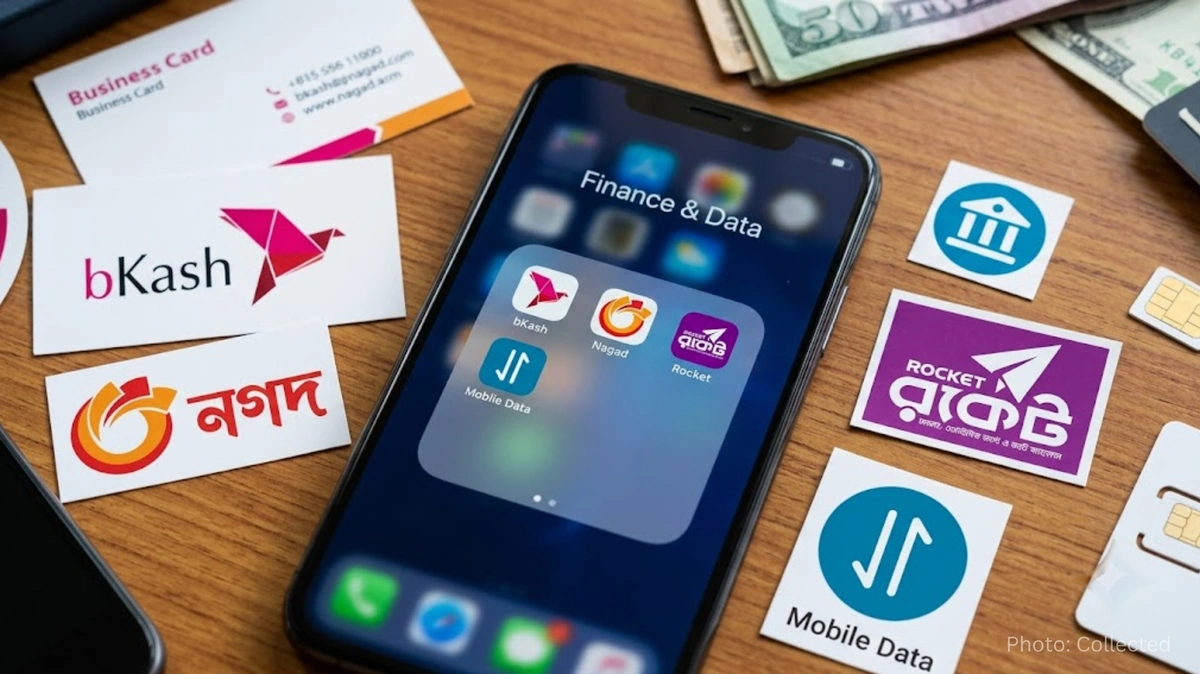
Bangladesh Plans Internet-Free Access to Mobile Banking and Financial Apps
-

DU to Open Undergraduate Admission Applications on 11 November, Tests Begin 5 December


